

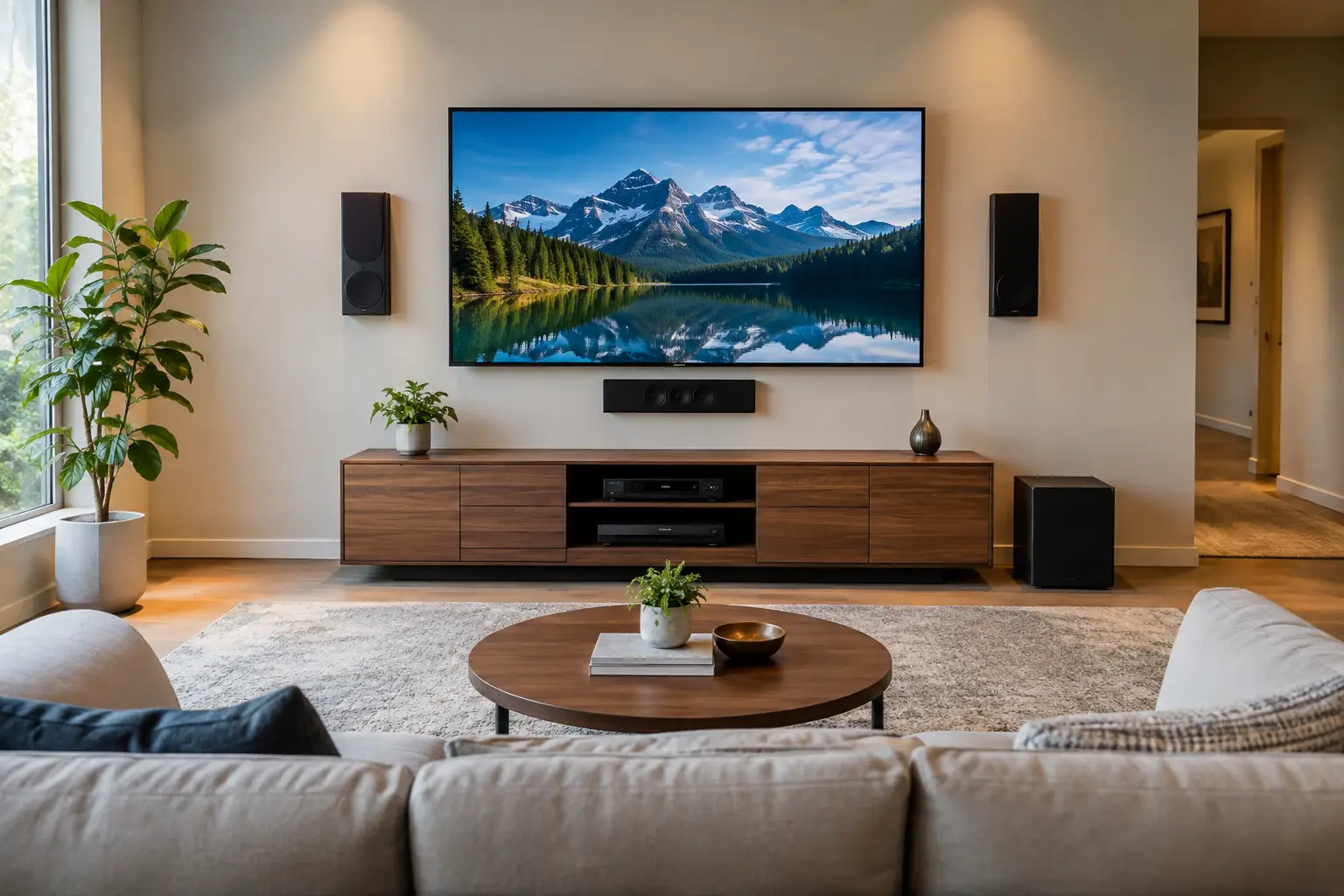
The wall that looks best when you walk into a room is not always the wall that delivers the best movie night. A practical home theater wall placement guide starts with how you will actually use the space: where people sit, when sunlight hits the room, where power is available, and what is safely behind the drywall. Getting those details right before mounting helps you avoid neck strain, distracting glare, exposed cords, and unnecessary wall repairs.
Whether you are setting up a media room, upgrading a living room, or making an apartment feel more like home, the goal is simple: a screen that is comfortable to watch, securely mounted, and positioned to fit your everyday routine.
Start With the Best Wall, Not the Biggest Wall
The largest open wall often feels like the obvious choice, but size alone should not decide your TV placement. First, stand or sit where you expect to watch most often. The best screen wall should let viewers face forward without twisting their necks or rearranging the entire room around one piece of equipment.
Look at the path of natural light throughout the day. A wall directly opposite large, uncovered windows can create glare that makes daytime viewing frustrating, even with a bright television. A side wall may be the better choice if it limits reflections. Curtains, blinds, and anti-glare screen settings can help, but choosing a naturally lower-glare wall is usually the easier long-term solution.
Also consider the traffic flow. A TV should not force guests to squeeze behind the sofa, block a hallway, or compete with a door that swings open nearby. In smaller Austin apartments and newer homes with open floor plans, a thoughtful layout can make the room feel more organized without sacrificing a comfortable viewing angle.
Check What Is Behind the Wall
Before deciding on a location, identify the wall material and what may be inside it. Standard drywall can support a television only when the mount is properly secured to wood studs or when a mounting method is designed for the specific wall construction. Brick, stone, concrete, steel studs, and plaster each require different hardware and techniques.
Avoid guessing. Plumbing, electrical wiring, ductwork, and low-voltage cables may run through the wall. A secure installation starts with accurate stud location, the right anchors or lag bolts, and a mount rated for both your TV size and weight. This is one of those home projects where a small placement error can become an expensive repair.
Set the Right TV Height for Comfortable Viewing
Most TVs are mounted too high, especially when homeowners try to center the screen on an empty wall rather than center it for the people watching. For seated viewing, the center of the screen should generally sit close to eye level from your primary seat. For many living rooms, that lands around 42 inches from the floor to the center of the TV, though the right measurement depends on sofa height, viewer height, and screen size.
A larger TV does not automatically belong higher on the wall. In fact, mounting a large screen too high can make the room feel more like a sports bar than a relaxing home theater. If you need to tilt your head upward for a full movie, the screen is likely too high.
There are exceptions. A television above a fireplace may be the only workable option in some rooms, but it involves trade-offs. The screen will usually sit higher than ideal, and heat from an active fireplace can affect the TV over time. If you choose this location, measure the heat output, consider a mantel or heat shield, and use a mount that tilts the screen downward toward the seating area.
Account for Furniture Before You Drill
Measure with the actual furniture in place whenever possible. A future sectional, reclining sofa, media console, or soundbar can change the ideal height. If you are moving into a new home and waiting on furniture delivery, mark the expected seating location with painter’s tape before committing to the mount.
It also helps to tape out the dimensions of the TV on the wall. This quick step reveals whether the screen will feel balanced with the room and whether nearby shelves, windows, artwork, or door frames will make the placement feel crowded.
Use Viewing Distance as a Comfort Check
There is no single perfect viewing distance because resolution, screen size, and personal preference all matter. Still, a helpful starting point for a 4K television is to sit roughly 1 to 1.5 times the diagonal screen size away. A 65-inch TV often works well with seating around 5.5 to 8 feet away, while a 75-inch model may be more comfortable around 6 to 9 feet away.
If the room is narrow, do not assume you need a smaller TV right away. Modern 4K screens can be viewed from closer distances than older TVs without showing obvious pixels. On the other hand, if the screen dominates your view or causes eye fatigue, moving seating back or choosing a slightly smaller display may be the better call.
Viewing angle matters, too. The primary seats should be relatively centered on the screen. A full-motion mount can help in multipurpose rooms where viewers may watch from a kitchen island, a dining table, or a sectional that wraps around the room. Keep in mind that articulating mounts extend farther from the wall and require careful support, particularly with larger TVs.
Plan Power, Cables, and Sound Before Mounting
A clean installation looks better, but cable planning is about more than appearance. Your TV needs accessible power, and many setups also need HDMI connections for a streaming device, gaming console, cable box, soundbar, or receiver. Decide where those components will live before the TV goes on the wall.
Do not run a standard extension cord inside the wall. It is not designed for concealed installation and can create a safety risk. A properly installed in-wall power solution or a nearby outlet is the safer approach. If wall modifications are not an option in a rental, a paintable cord cover can keep the setup tidy while remaining easier to remove later.
For sound, give the soundbar room to perform. Mount it directly below the television or place it on a console without blocking the bottom edge of the screen or the TV’s remote sensor. If you are using surround speakers, think about seating placement first. The best TV wall cannot make up for speakers hidden in a corner or positioned far above listeners.
Make the Wall Work With the Room
A home theater setup should feel intentional even when the TV is off. A media console can ground the screen, conceal devices, and provide a practical place for remotes. Floating shelves or simple wall accents can add balance, but avoid surrounding the TV with too much visual clutter. The screen should remain the focal point without swallowing the entire room.
For renters, wall placement needs an extra layer of planning. Confirm your lease requirements, photograph the wall before work begins, and choose a location that minimizes future patching. Smaller TVs may work with lighter mounting solutions, but secure installation should never be treated as optional just because the space is temporary.
When Professional TV Mounting Is Worth It
DIY mounting can be manageable for a small TV on a straightforward drywall wall, provided you have the right tools and understand the wall structure. The risk rises with heavier screens, fireplaces, masonry, full-motion mounts, high ceilings, concealed cables, and unfamiliar construction. A crooked mount, missed stud, or damaged wire can quickly turn a weekend project into a larger repair.
For homeowners and renters who want the job handled carefully, Smart Solutions TX provides professional TV mounting with background-checked technicians and a 90-day service guarantee. It is a practical way to get precise placement, secure hardware, and a finished look without spending your evening measuring, drilling, and second-guessing the wall.
Before you book or begin, sit in your favorite spot and picture an ordinary weeknight: the lights are low, the family is settled, and no one is craning their neck or hunting for an outlet. That is the placement standard worth planning for.