

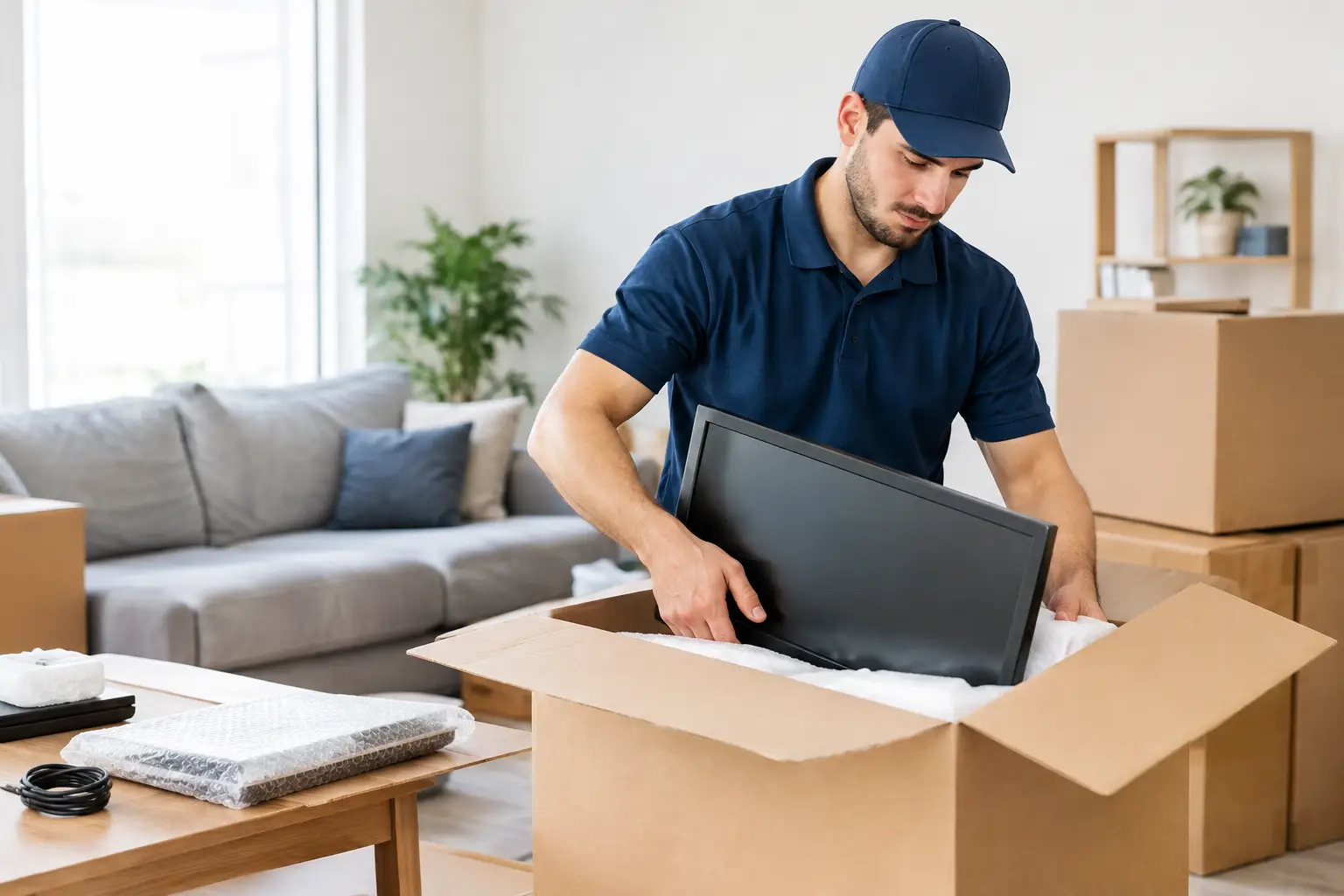
A television is not just another box. Neither is the laptop holding your work files, the game console your family uses every weekend, or the Wi-Fi equipment that keeps your home running. If you are planning a move, you may be asking, can movers pack electronics without putting those items at risk? In most cases, yes. Professional movers can pack many household electronics safely when the service is included and the items are prepared properly. The key is knowing where professional packing adds real protection and where you should keep control of sensitive items.
For busy Austin and Central Texas households, the right help can turn one of the most stressful parts of moving into a manageable, organized task. Here is what to expect before anyone starts wrapping cords or lifting a TV.
Can Movers Pack Electronics Safely?
Movers can typically pack televisions, monitors, desktop computers, printers, speakers, gaming systems, kitchen appliances, lamps, and other household electronics. A trained moving team uses appropriate packing materials, protects screens and corners, and places items in boxes that limit shifting during transport.
That said, packing electronics is not identical to packing dishes or clothing. Electronics often combine fragile screens, delicate internal components, loose accessories, and personal information. The safest move starts with a clear conversation about which items you want packed, which materials will be used, and whether any item requires special handling.
Some moving companies offer packing as an add-on service, while others focus only on loading and unloading items you have already boxed. Confirm this before booking. If you need hands-on packing support as well as loading, unloading, TV mounting, or furniture assembly at the new place, choosing a provider that handles those services can save time and reduce coordination.
What Professional Movers Usually Pack
Most household electronics are well suited for professional packing, especially larger items that are awkward to protect on your own. TVs, computer monitors, desktop towers, soundbars, stereo equipment, printers, and gaming consoles are common examples.
For flat-screen TVs, professional packers generally use a padded TV box or a carton sized for the screen, along with foam corners, moving blankets, and secure cushioning. The TV should remain upright during transport whenever possible. A screen wrapped loosely in a blanket and laid flat in the back of a truck is a much riskier plan.
Computer equipment also benefits from careful packing. A desktop tower needs enough cushioning to prevent internal components from taking a hard impact. Monitors need screen protection and a box that keeps them from moving. Cables, remotes, stands, and power adapters should be grouped, labeled, and packed with the correct device rather than tossed into a shared mystery box.
Small appliances with electronic components can usually be packed as well. Coffee makers, air fryers, countertop mixers, and similar items should be clean, dry, and empty before packing. Remove loose parts and pack them together so nothing gets lost between homes.
What You Should Pack or Carry Yourself
Even the most careful movers cannot replace information, access, or sentimental value. A few electronics-related items are better handled by you.
Take laptops, tablets, smartphones, external hard drives, cameras, and items containing irreplaceable files with you whenever possible. These belongings are compact, valuable, and often essential immediately after the move. Keeping them in your personal vehicle also means you can work, communicate, and access important documents if the moving schedule changes.
Back up your computers and phones before moving day. Cloud storage, an external drive kept with you, or both can protect your photos, work documents, financial records, and family files from loss. Packing can prevent physical damage, but it cannot recover data that was never backed up.
You should also keep passwords, account recovery codes, and device-specific paperwork out of moving boxes. If a box arrives at the new home before you do, you do not want essential information sitting unattended or buried under packing paper.
How to Prepare Electronics Before Movers Arrive
Professional packing works best when your devices are ready. Start by unplugging everything at least several hours before the move. Devices that generate heat, such as computers, cable boxes, game consoles, and televisions, need time to cool completely before they are wrapped.
Take a quick photo of the back of your TV, router, desktop computer, or entertainment center before disconnecting cords. That photo can make setup much easier later, particularly when several similar cables are involved. Then label each cord at both ends with simple identifiers such as “TV HDMI 1,” “soundbar power,” or “office monitor.”
Remove discs from gaming consoles and DVD players. Empty printers of paper, and check the manufacturer instructions for ink cartridges if you are moving a printer a long distance. Secure batteries and remove any that could leak or shift loose during transport.
If you still have the original packaging, use it. Manufacturer boxes are designed around the item’s dimensions and typically include the best-fitting inserts. Do not worry if those boxes are long gone, though. Professional-grade cartons, foam corners, padding, and careful loading can provide excellent protection.
Special Considerations for TVs and Mounted Equipment
A wall-mounted TV adds one more step: safe removal. The screen should be taken down before the move, and the mount hardware should be kept together in a labeled bag. Avoid taping hardware directly to the television or leaving screws loose in a drawer. Small parts disappear quickly during a move.
If you are relocating within the area, it can be helpful to plan the full process at once. The same service team may be able to carefully remove the TV, pack it for transport, and mount it securely at the new home. Smart Solutions TX helps customers manage these practical move-in and move-out tasks with background-checked technicians and a 90-day service guarantee, so there is less guesswork between packing day and setup day.
Before reinstalling a TV, confirm the wall type, mount compatibility, and placement. A secure installation depends on more than finding an open wall. Stud location, viewing height, cable access, and the weight rating of the mount all matter.
Questions to Ask Before Booking Electronics Packing
You do not need to become a packing expert, but a few direct questions can prevent surprises. Ask whether the service includes packing materials, TV-specific cartons, disassembly or removal of mounted equipment, and how fragile electronics will be loaded in the truck.
It is also reasonable to ask about protection plans and the company’s process if an item is damaged. Read the service terms rather than assuming every item receives the same coverage. Some companies limit responsibility for owner-packed boxes, pre-existing damage, or high-value electronics unless those items are declared in advance.
Finally, be clear about access. Let the team know about stairs, elevators, tight hallways, long carrying distances, or a TV mounted above a fireplace. Those details affect staffing, equipment, time, and the safest approach to the job.
Common Mistakes That Put Electronics at Risk
The biggest mistake is treating electronics like ordinary household goods. A TV wrapped only in a comforter may look protected, but the screen can still flex or crack if another box presses against it. A loose computer tower can suffer internal damage even if the outside of the case looks fine.
Another common issue is packing cords separately without labels. This does not usually damage the equipment, but it can turn a simple setup into an exhausting evening of trial and error. Keep cords with their devices whenever possible, and put remotes, screws, adapters, and small accessories in sealed, labeled bags.
Avoid using oversized boxes with too much empty space. Electronics should be cushioned, but they should not be able to slide around. The goal is a snug fit with enough protection around every side.
A Better Way to Plan Moving Day
When your electronics are packed correctly, moving day feels less like a gamble. You know which devices are riding with you, which items are professionally protected, and what will be needed to get the new home working again.
Set aside one clearly labeled “first night” electronics bag with chargers, a power strip, Wi-Fi equipment, remote controls, and anything your family will need right away. Then let careful preparation and experienced hands handle the rest, so your new home can feel functional sooner.