

A new TV can look perfect in the box and completely overwhelm the room once it is on the wall. The question of what TV size fits wall space is not just about buying the biggest screen you can afford. It is about creating a comfortable viewing area, protecting your wall, and making sure the installation looks intentional from every angle.
For homeowners and renters around Austin and Central Texas, the right answer usually comes down to four things: available wall width, viewing distance, mounting location, and the wall’s ability to support the television. A few quick measurements before you buy can save you from a stressful return, a crooked installation, or a screen that feels too high, too low, or out of proportion.
What TV Size Fits Wall Space in Your Room?
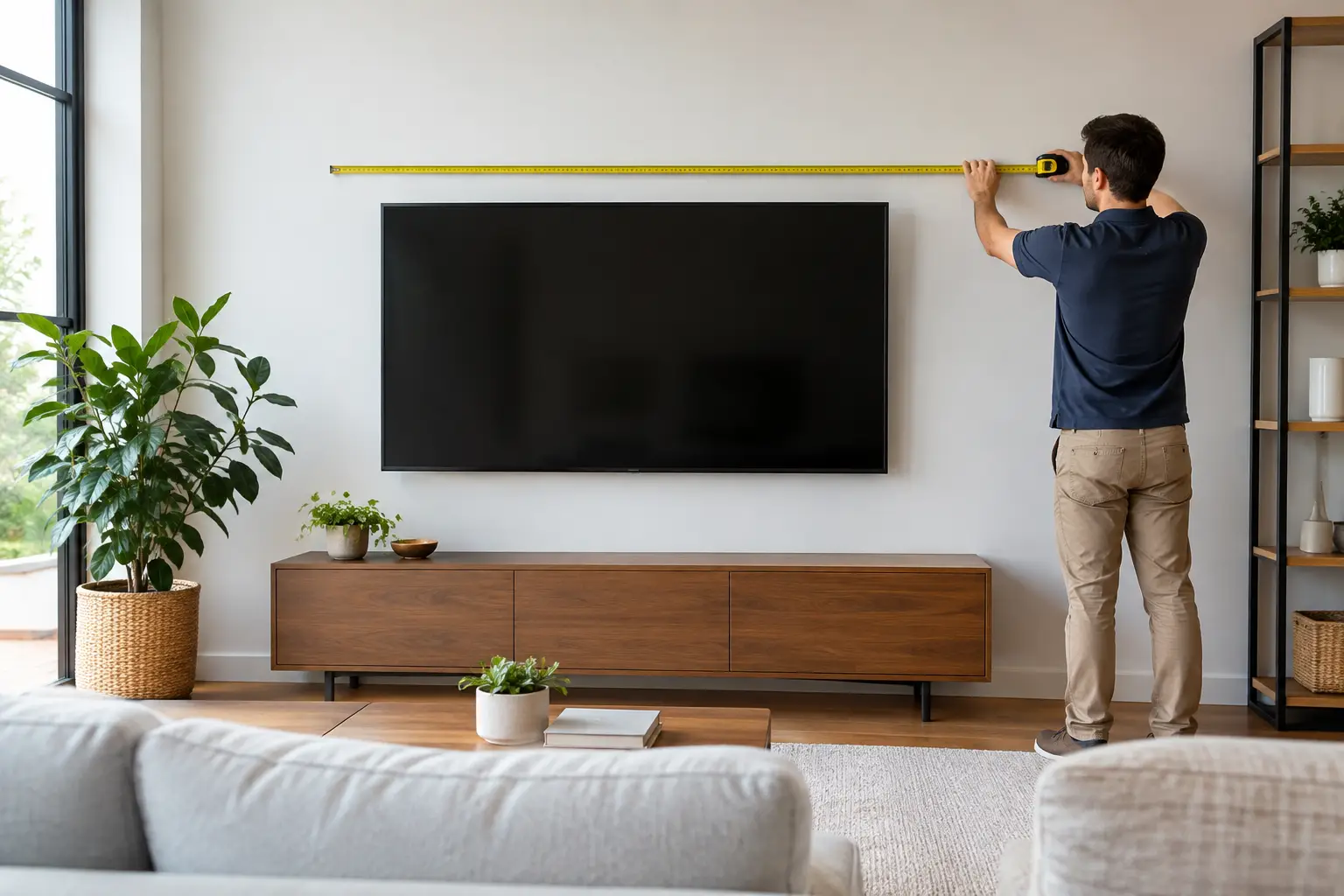
Start with the usable wall space, not the total width of the wall. Usable space is the area that is clear of windows, door swings, built-in shelves, wall art you plan to keep, light switches, and furniture that needs room below the screen.
Measure the width of that open area, then compare it with the actual width of the TV. Television sizes are measured diagonally, so a 65-inch TV is not 65 inches wide. Most 65-inch models are roughly 57 inches wide, while many 75-inch models are about 66 inches wide. Exact dimensions vary by manufacturer and bezel design, so always check the product specifications before making a final decision.
A simple rule is to leave visual breathing room on both sides of the television. In many living rooms, 3 to 6 inches on each side is enough when the TV is the main focal point. If the screen sits between bookcases, inside a built-in opening, or above a console, allow more room if possible. A tight fit can make even a well-mounted TV look crowded.
For example, a wall section that is 72 inches wide can often accommodate a 75-inch TV, but it will create a bold, nearly wall-to-wall look. A 65-inch model may feel more balanced, especially if you want space for sconces, artwork, or decorative elements around it. Neither option is automatically wrong. It depends on the room and the look you want.
Common TV Widths to Plan Around
These estimates can help you picture how a screen may fit. A 55-inch TV is commonly about 48 inches wide. A 65-inch TV is around 57 inches wide. A 75-inch TV is typically about 66 inches wide, and an 85-inch TV can measure roughly 74 inches wide.
Treat these as planning numbers, not installation measurements. Before mounting, use the exact width, height, weight, and VESA mounting pattern listed for your specific television.
Match the Screen Size to Your Viewing Distance
Wall fit matters, but comfort matters just as much. A TV that fits physically can still feel too large if the sofa is close to the wall. On the other hand, a screen that looks modest on a wide wall may be too small to enjoy from across an open-concept living room.
For a 4K TV, many households are comfortable sitting about 1 to 1.5 times the screen’s diagonal measurement away. That means a 65-inch TV often works well from approximately 5.5 to 8 feet away. A 75-inch TV is often comfortable from about 6 to 9 feet away.
These are guidelines, not hard rules. If your family watches sports, movies, or games and prefers an immersive picture, you may want to go larger. If the TV is used mostly for casual news, background viewing, or a bedroom setup, a smaller screen may feel better. The goal is to see detail without constantly moving your eyes across the picture or feeling like the screen takes over the room.
If you are deciding between two sizes, use painter’s tape to outline each TV’s width and height on the wall. Sit in your usual viewing spot and look at the taped area at different times of day. It is one of the easiest ways to turn a guess into a confident choice.
Check TV Height Before Choosing the Mount Location
A properly sized TV can still be uncomfortable if it is mounted too high. In most seated living rooms, the center of the screen should be close to eye level when you are sitting down. For many setups, that lands around 42 to 48 inches from the floor to the center of the TV, though sofa height and viewer height can shift that number.
If you are mounting above a media console, leave enough clearance so the setup does not look cramped and so you can access devices, soundbars, and cables. A gap of a few inches is common, but the right amount depends on the furniture height and the screen size.
Fireplace mounting deserves extra care. It can be a practical choice when there is no other open wall, but fireplaces often force the TV higher than ideal. Heat exposure is also a concern, particularly with wood-burning fireplaces. Before mounting there, check the TV manufacturer’s temperature guidance, measure the height from your seating position, and consider a tilt mount if the screen must sit above eye level.
Make Sure the Wall Can Safely Hold the TV
The TV size that fits your wall visually is not always the TV size your preferred mounting spot can support without the right hardware. A secure installation depends on the television’s weight, the mount’s weight rating, the wall material, and where the studs are located.
For most standard drywall installations, the mount should be attached to wall studs with appropriate lag bolts. Drywall anchors alone are not a reliable solution for a large TV. Stud locations do not always line up with the center of the wall or with the exact spot you had in mind, which is why professional placement can make a major difference in both safety and appearance.
Brick, concrete, metal studs, and plaster walls each require a different approach. The same is true for ceiling mounts and full-motion mounts. A full-motion bracket places more leverage on the wall because the TV extends outward, so it needs especially secure anchoring. Do not choose a mount based only on screen size. Confirm that it is rated for your TV’s actual weight and supports its VESA pattern.
Plan for Cables, Power, and Connected Devices
Before the TV goes up, think about what needs to connect to it. HDMI cables, streaming devices, game consoles, soundbars, antennas, and power cords can all affect the best mounting location.
A clean-looking installation may involve hiding low-voltage cables in a wall-rated pathway or placing equipment in a nearby console. Power is different. The TV should plug into a properly located outlet, not an extension cord hidden behind the screen. If the outlet is off-center, the mount can sometimes be positioned to keep it concealed, but that should be planned before holes are drilled.
If you want a soundbar below the TV, measure it too. A soundbar mount can keep the pieces visually connected, while a console-mounted soundbar may require a little more vertical clearance beneath the screen.
Consider Furniture Scale, Not Just Empty Wall Space
Your media console, fireplace mantel, or bed can change which TV size looks right. As a general design guideline, a wall-mounted TV often looks balanced when it is somewhat narrower than the furniture below it. A 65-inch screen over a 70- to 80-inch console, for instance, often feels well-proportioned.
That said, open walls can support a larger TV even without a wide console. In a dedicated media room, a 75- or 85-inch model may be the better choice because the screen is meant to be the focus. In a small apartment living room, a 55-inch TV can deliver a great experience without making the wall feel heavy.
For renters, there is one more trade-off: lease requirements and repair expectations. Even when mounting is permitted, you may be responsible for patching holes when you move out. Choosing the right location the first time helps limit unnecessary wall damage and keeps your setup easier to restore later.
When Professional TV Mounting Makes Sense
Measuring the wall is straightforward. Finding studs accurately, choosing hardware, lifting a large TV safely, leveling the mount, and managing cables are where the project can become frustrating. Larger screens are especially awkward to handle, and one wrong hole can leave a visible reminder long after the TV is moved.
Smart Solutions TX provides secure TV mounting for homeowners and renters who want the job handled with care. Background-checked technicians, precise placement, and a 90-day service guarantee offer added peace of mind when you are setting up a new home, finishing a move, or upgrading your entertainment space.
Before you commit to a screen size, measure the open wall, tape out the TV dimensions, and view the outline from your favorite seat. The best TV is the one that fits your room, your viewing habits, and your wall securely – so every movie night starts with a screen you are glad you chose.